THE KEEPER'S REFERENCE
Graveyard Keeper 2Wiki
Find items and recipes, explore progression, meet the people, and follow the systems that connect them.
 01
Items
Browse item properties, sources, and uses from the catalog.
 02
Recipes
Search ingredients, outputs, and workstations across the complete recipe list.
 03
World map
Explore the world map and its categorized markers.
Explore the database
Browse more records
THE WORKBENCH
Start with the materials
Open an item to find its recipes and uses.


FIND YOUR NEXT STEP
Explore core systems
EXPLORE THE WORLD
World map
Explore locations and markers from the world map.
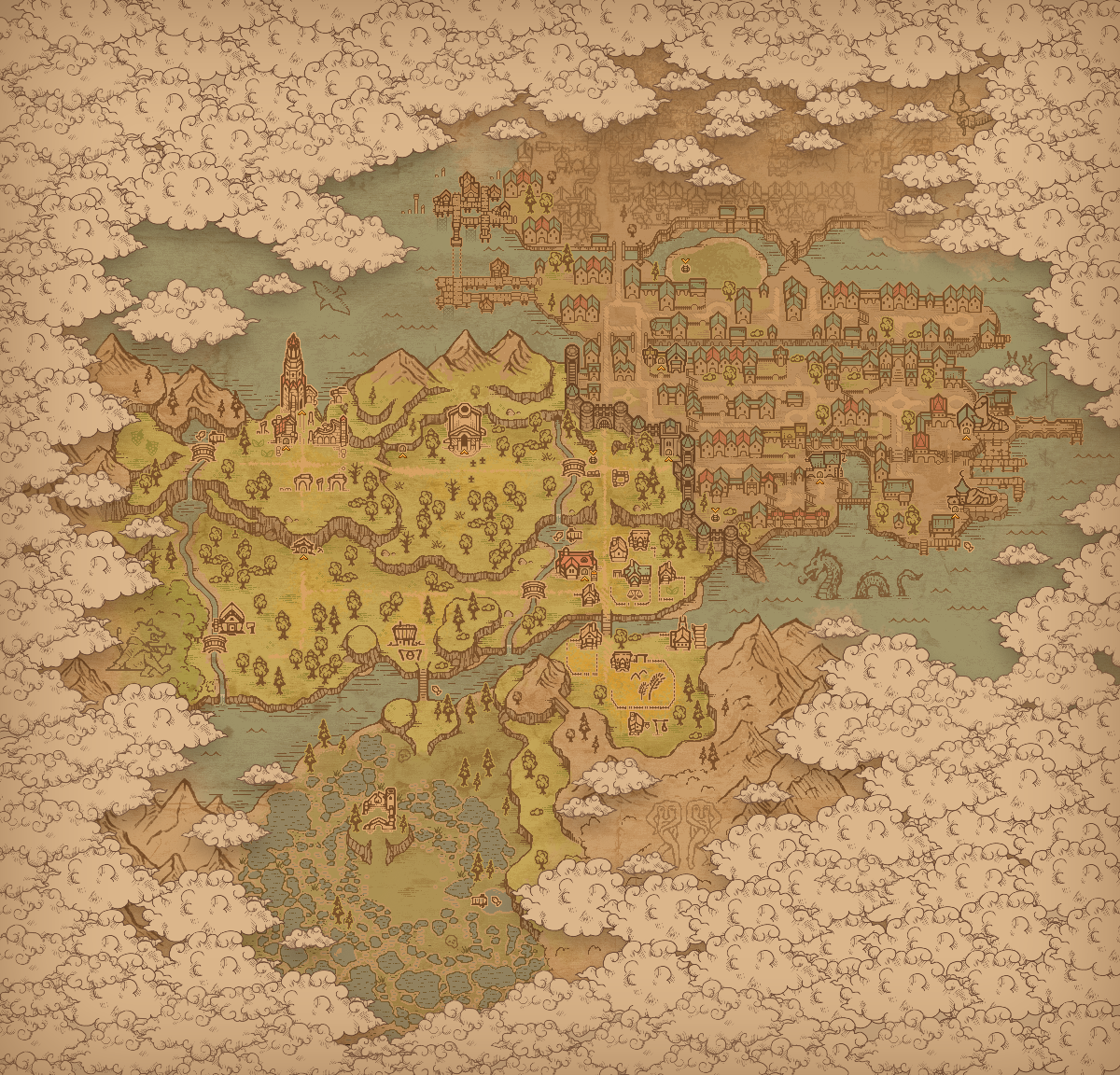 ForestMain PierPort AreaSwampVillageSluice AreaSquareStilt HousesInquisition BaseCastle Area
Everything connects
- 01
Look up an itemCheck its properties and follow the links to its sources and uses.
- 02
Plan the ingredientsFilter recipes by workstation, then open one for quantities and requirements.
- 03
Find a locationSearch the map, select a marker and zoom in for a closer look.
Looking up materials or planning a build in another game? We also maintain MyGamesWiki, a directory of game references and planning tools.